

At the counter
Welcome customers in seconds.
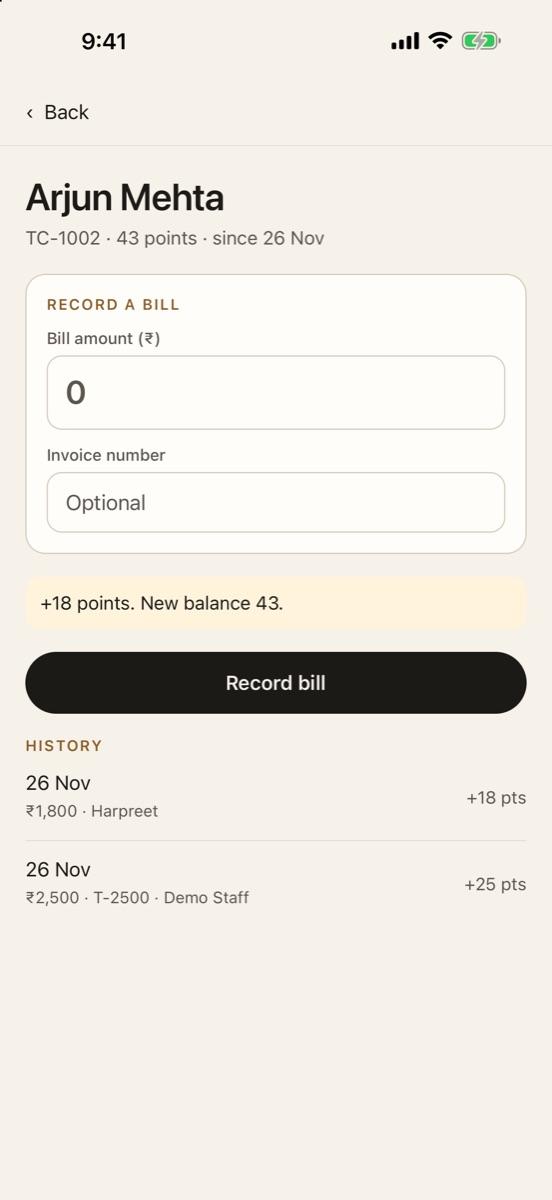
Scan a customer’s Wallet card or find them by card or mobile number. Record a purchase, add stamps and give a reward that’s waiting.
New · LoyaltyFold for Business app
Keep up with customers, rewards and events wherever your business takes you. The LoyaltyFold app brings everyday tasks together for owners, managers and counter staff.
New to LoyaltyFold? Create your business account
Your customers keep their cards in Apple Wallet or Google Wallet. There’s no customer app to download.
The real app
✕ Close
Point at a card or ticket
‹ Back
Zara
MG-1001 · 4,200 points · Patron
RECORD A BILL
‹ Back
Zara
CC-1142 · Crumb & Crema
✕ Close
‹ Back
Nina
FG-7719 · FORGE · Black
A day with the app
At the counter
Scan a customer’s Wallet card or find them by card or mobile number. Record a purchase, add stamps and give a reward that’s waiting.
Your business today
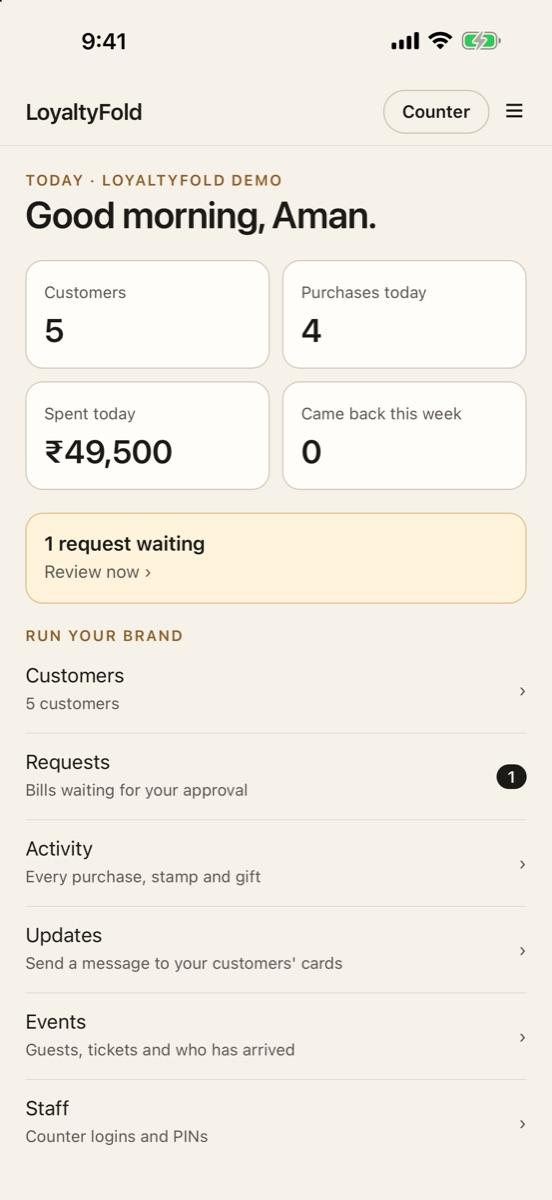
See today’s customers and purchases at a glance, look up any customer, review recent activity and approve bills that are waiting for you.
Stay connected
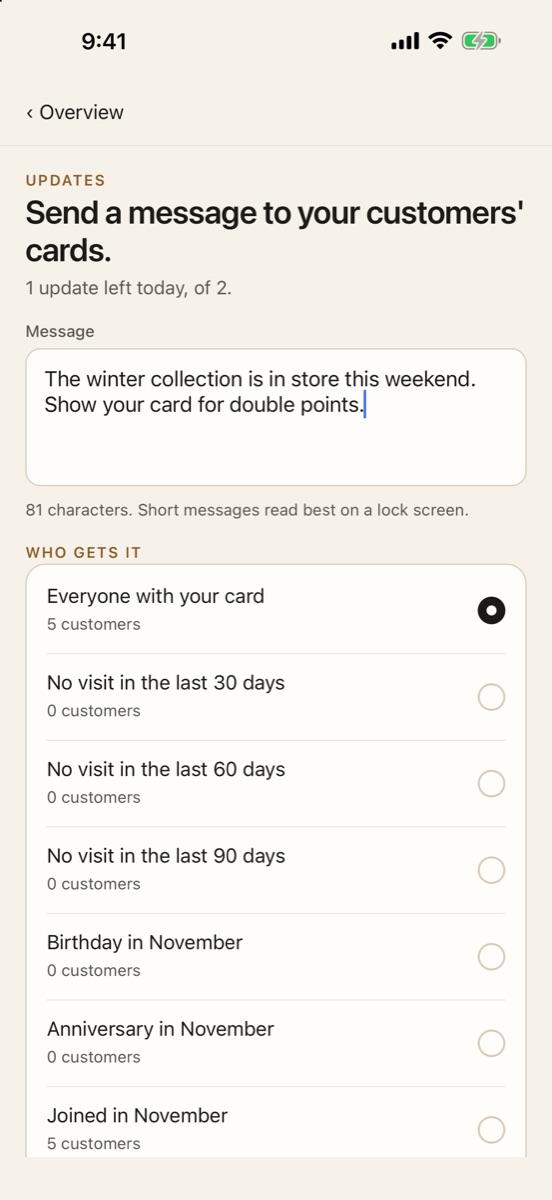
Write a short message and choose who receives it, such as everyone, customers you haven’t seen lately, or this month’s birthdays.
Events
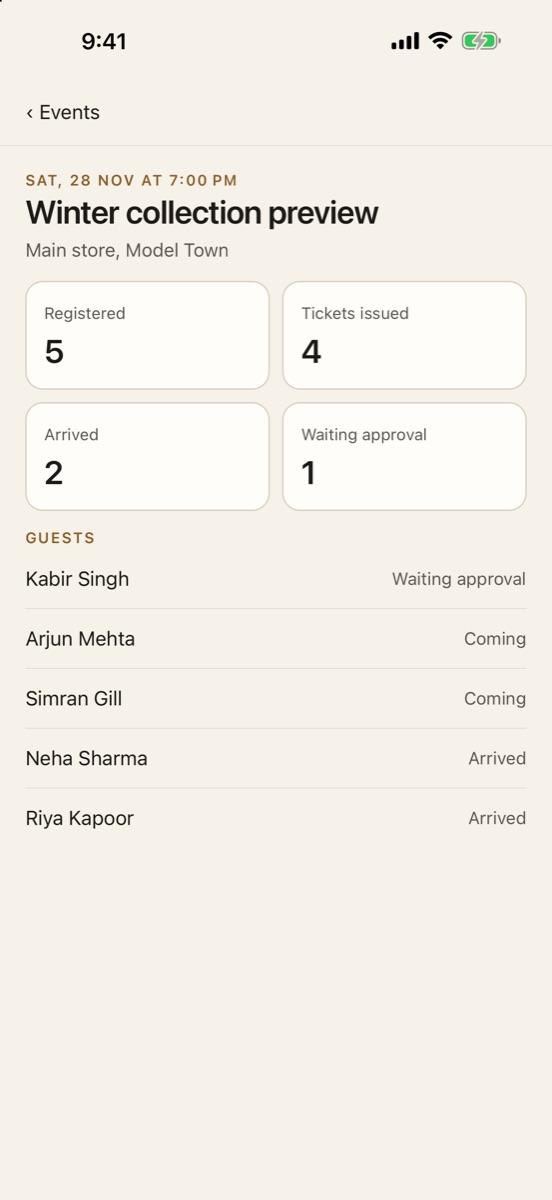
See who has registered and who has arrived, then scan each guest’s ticket as they come in. The same Scan button reads cards and tickets.
The right access for everyone
Sign in with your email and a one-time code.
Sign in with the brand code, their name and a PIN. No email needed.
Made for busy counters
Stamp a coffee card at the till and hand over the free one when it’s full.
Recognise regulars by mobile number and record each visit as you go.
Reward regular visits at the front desk and welcome guests to your events.
Turn festival rushes into return visits with points on every bill.
Record purchases, reward your best customers and invite them to previews.
Built for the counter
Large purchases go to an owner or manager to approve before points are added.
Each purchase, stamp and reward is recorded with the staff member who made it.
If the connection drops mid-way, trying again never adds the same purchase twice.
Customers see their new balance and rewards on the card in their phone’s Wallet.
How it works
Sign up on the LoyaltyFold website and choose your card.
Design your card, set your rewards and give each staff member a name and PIN.
Download LoyaltyFold for Business and run your day-to-day from your phone.
Set up card designs, membership plans and events on the website. Customers use their Wallet passes, so there’s no customer app to download.
Coming next
A notification on your phone the moment a bill needs your approval.
Scan a member’s card and use one visit or session from their package.
LoyaltyFold for Business on Google Play.
Questions
Get the app
Download LoyaltyFold for Business, or create your account first if you’re new.
On a computer?
Scan with your iPhone camera to open the App Store.